Clean PDFs before they leave your hands
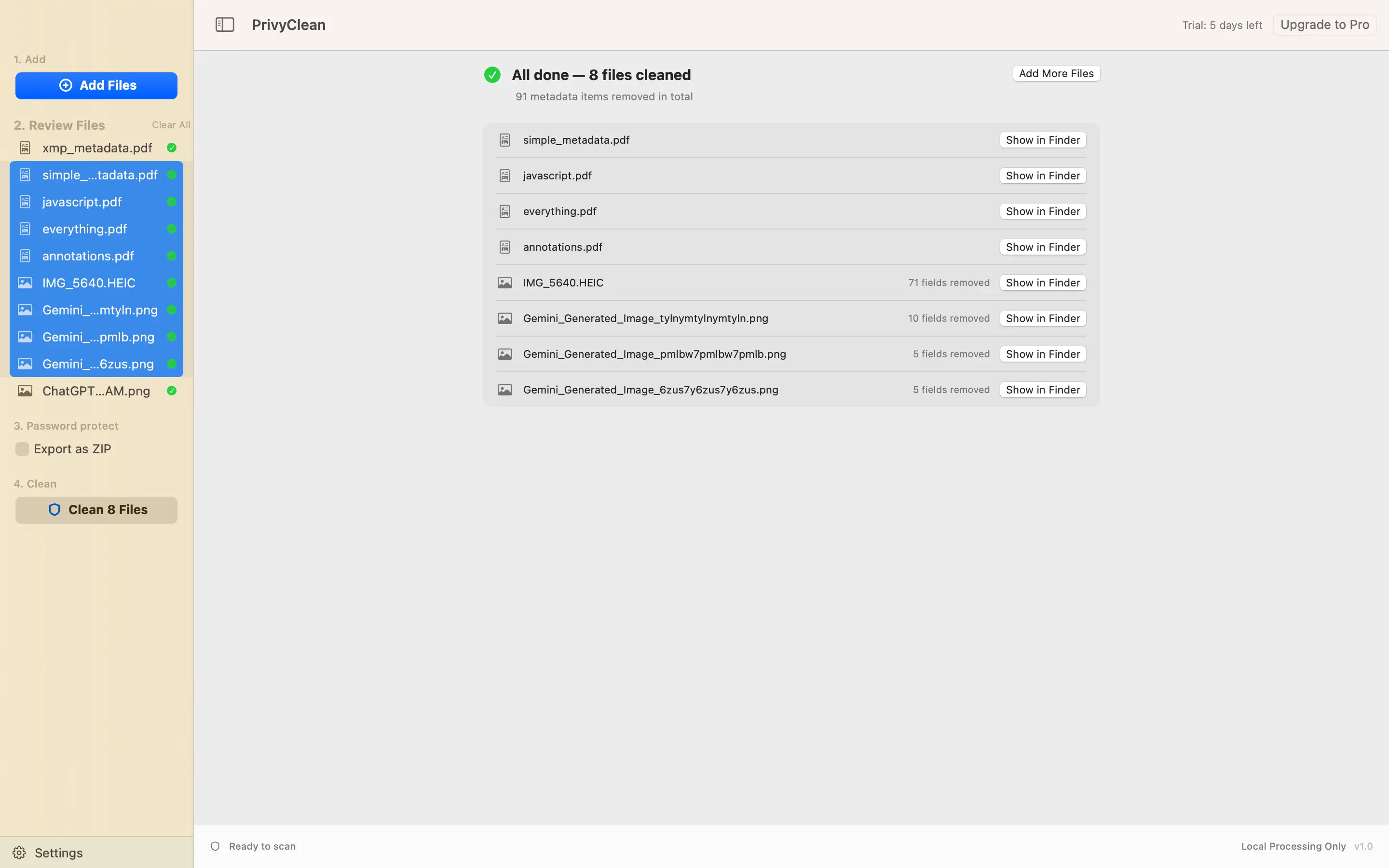
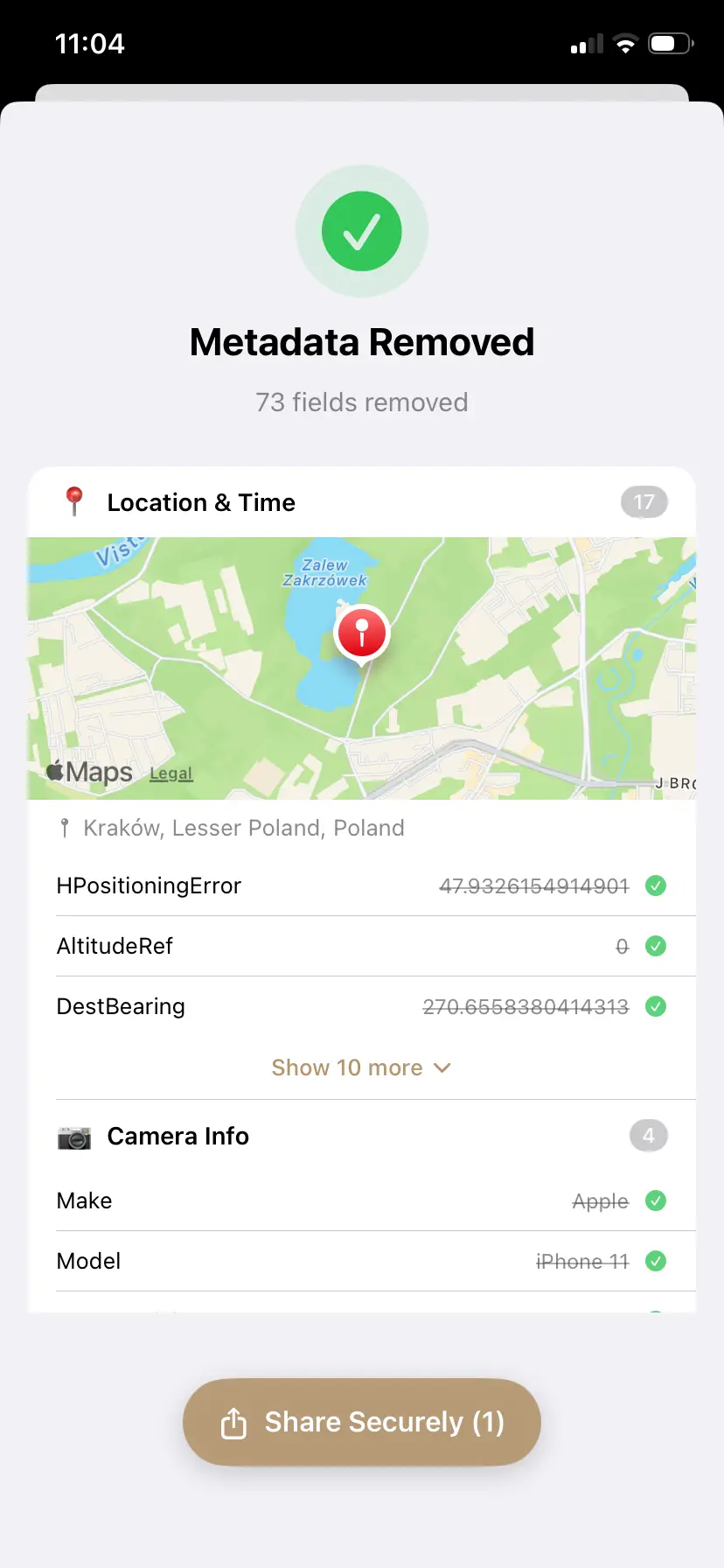
Remove author, producer, dates and embedded photo locations from PDFs, one file or a whole folder. 100% offline on Mac and iPhone, no account, one-time purchase.


Free to try · iPhone $9.99 · Mac $19.99 one-time
What metadata a PDF contains
- Author, title, subject, keywords: usually inherited from the Word, Pages or InDesign file the PDF was exported from. The author is often a real name or a company login.
- Creator and producer: the application that made the document and the software that wrote the PDF, with version numbers.
- Creation and modification dates, with the time zone.
- XMP metadata: a second, structured copy of the above that many tools add, sometimes with extra fields such as a document ID.
- Embedded photos: images placed in the document can keep their own EXIF data, including the GPS location where they were taken.
- AI generation traces: documents produced with AI tools can name the tool in the creator or producer fields. See AI metadata in documents.
"Save as PDF" is not a cleaning step
Exporting to PDF flattens what you can see: tracked changes and hidden rows stop being readable. It does not clear the record about the file. The export writes new document properties, and they routinely carry over the author and title of the source. Printing to PDF behaves the same way and adds a different problem, since it can drop links, bookmarks and form fields the recipient needs.
So check the PDF after you export it, not the source document before.
What PrivyClean removes, and what it keeps
PrivyClean rewrites the PDF without its document information, XMP block, application-private data and producer and date stamps, and strips EXIF and GPS from the photos inside it. The parts a reader uses are kept: pages, bookmarks, links, form fields and attachments.
Three limits to know:
- Encrypted and signed PDFs are declined. A password-protected file cannot be rewritten safely, and changing a signed file would break its signature.
- It is not a redaction tool. What is on the pages stays, including text that was covered with a box instead of properly redacted.
- Attachments are kept as they are. A file attached inside a PDF keeps its own metadata; clean it separately before attaching.
Other ways to do it
- Adobe Acrobat Pro has "Remove Hidden Information" and "Sanitize Document" under its Redact tools. They are thorough and need a paid Acrobat subscription.
- Online PDF tools can clear the basic fields, but most work by uploading your document to their server. For a contract or a client file, read how a tool handles uploads before you use it.
Sending more than PDFs?
Word and Excel files carry more than PDFs do: tracked changes, comments, editing time, hidden sheets. The cross-format checklist is in how to clean document metadata before sending, with format guides for Word and Excel. For a mixed folder, the metadata remover for Mac cleans everything in one pass.