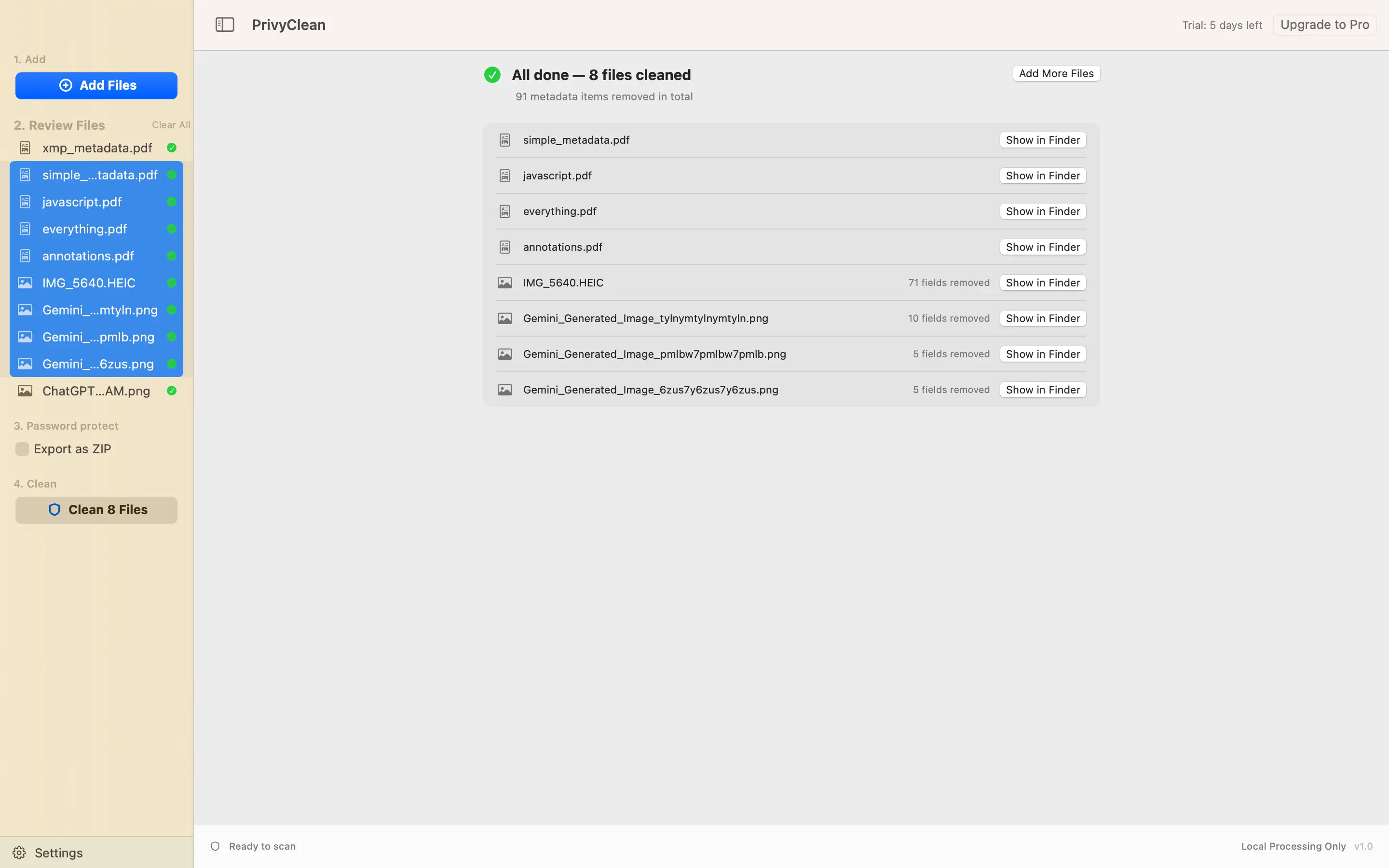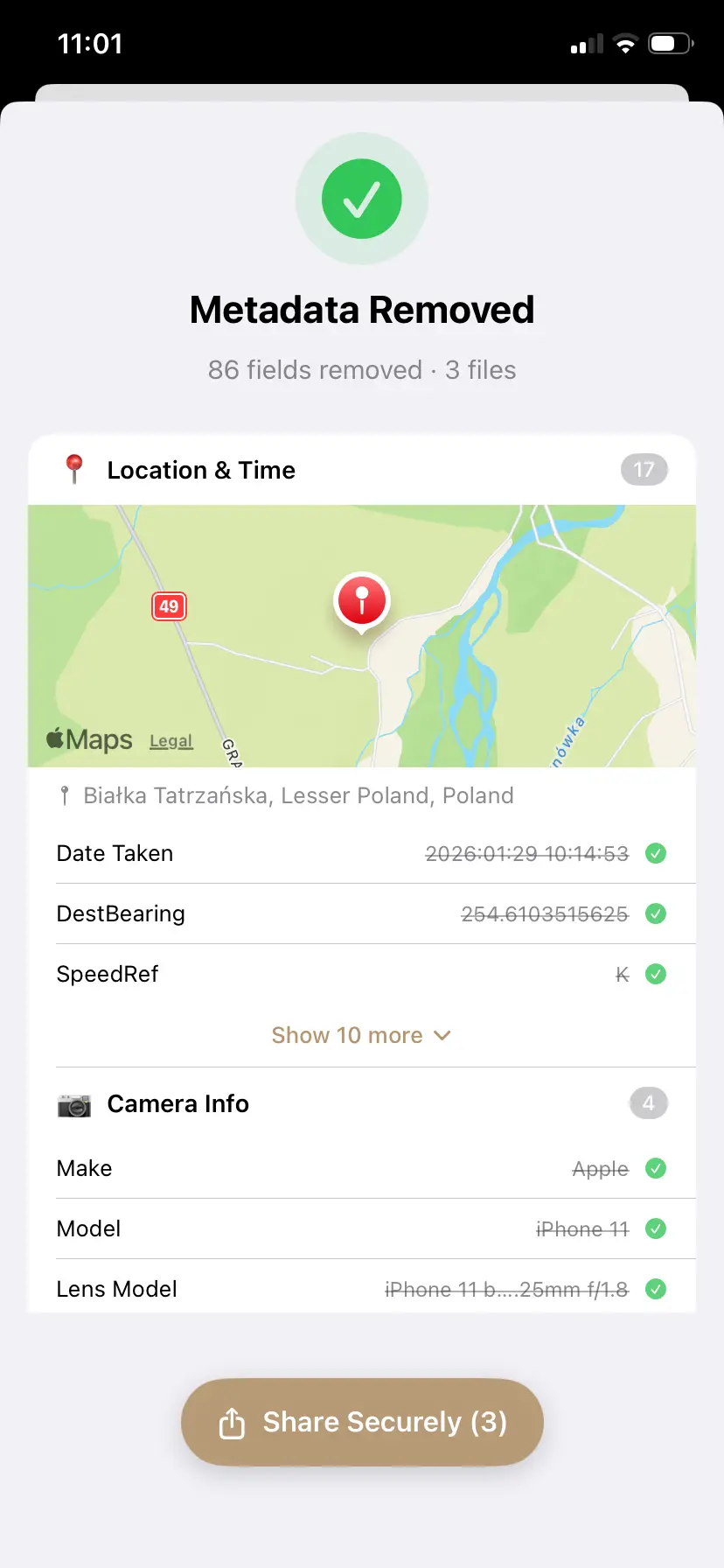
Clean a video before you send or post it
PrivyClean removes location, dates, device details and AI content credentials from MOV, MP4 and M4V videos, entirely on your iPhone or Mac. No re-encoding, no account, one-time purchase.


Free to try · iPhone $9.99 · Mac $19.99 one-time
What metadata a video file carries
Video metadata lives in the container (the MP4 or MOV wrapper around the picture and sound), so it can be removed without touching the footage. The common fields:
- Location: the GPS coordinates where recording started. Phones add this whenever the camera has location access.
- Date and time: when the clip was recorded and when the file was last modified.
- Device: the make and model of the phone or camera, and the software version.
- Editing and encoding software: the app that exported the file.
- AI content credentials: C2PA manifests and XMP tags written by AI video generators and by editing apps with AI features. Social platforms read these at upload to decide on an "AI" label.
Photos carry the same kinds of data; see what EXIF data is and the free metadata remover for photos.
What PrivyClean removes, and what it leaves
PrivyClean rewrites the container without its metadata blocks: location, dates, camera and device details, software tags, C2PA content credentials and XMP. The video and audio streams are copied across as they are, which is why there is no quality loss.
What it does not change is anything you can see or hear. A street sign, a house number or a voice in the footage is still there. Metadata removal covers the hidden record, not the content.
What the built-in options do
- iPhone: when you share from Photos, tap Options and switch off Location. That drops the location for that one share. The recording date and device details still go with the file.
- Messaging and social apps: some re-compress video and drop part of the metadata on the way; others pass the file through unchanged, especially when you send it "as a file" or at original quality. It varies by app and changes over time, and the service itself still receives your original.
- Command line: if you are comfortable with ffmpeg,
ffmpeg -i in.mp4 -map_metadata -1 -c copy out.mp4copies the streams and drops the standard container tags. Check the result afterwards: it does not cover every block a file can carry.
Videos for Instagram, TikTok and other platforms
If the reason you are here is an "AI" label on a video you posted, the order of steps matters: the editing app writes its own metadata into the file it exports, so clean the finished video, not the clips that went into it. The details for Instagram are in Reels and the AI label, and for TikTok in TikTok's AI-generated label.
When to keep video metadata
Keep the original. Recording dates and locations are how your library sorts and maps your videos, and footage used as evidence or for journalism is worth more with its record intact. Clean the copy you hand to someone else.